Teacher
Teachers keep
the lesson record. That's it.
After class, attendance and what was learned go into the lesson log — nothing more.Enrollment, payments, class moves, leave and withdrawal belong to the office.
A DAY
A teacher's day
- 1
On sign-in
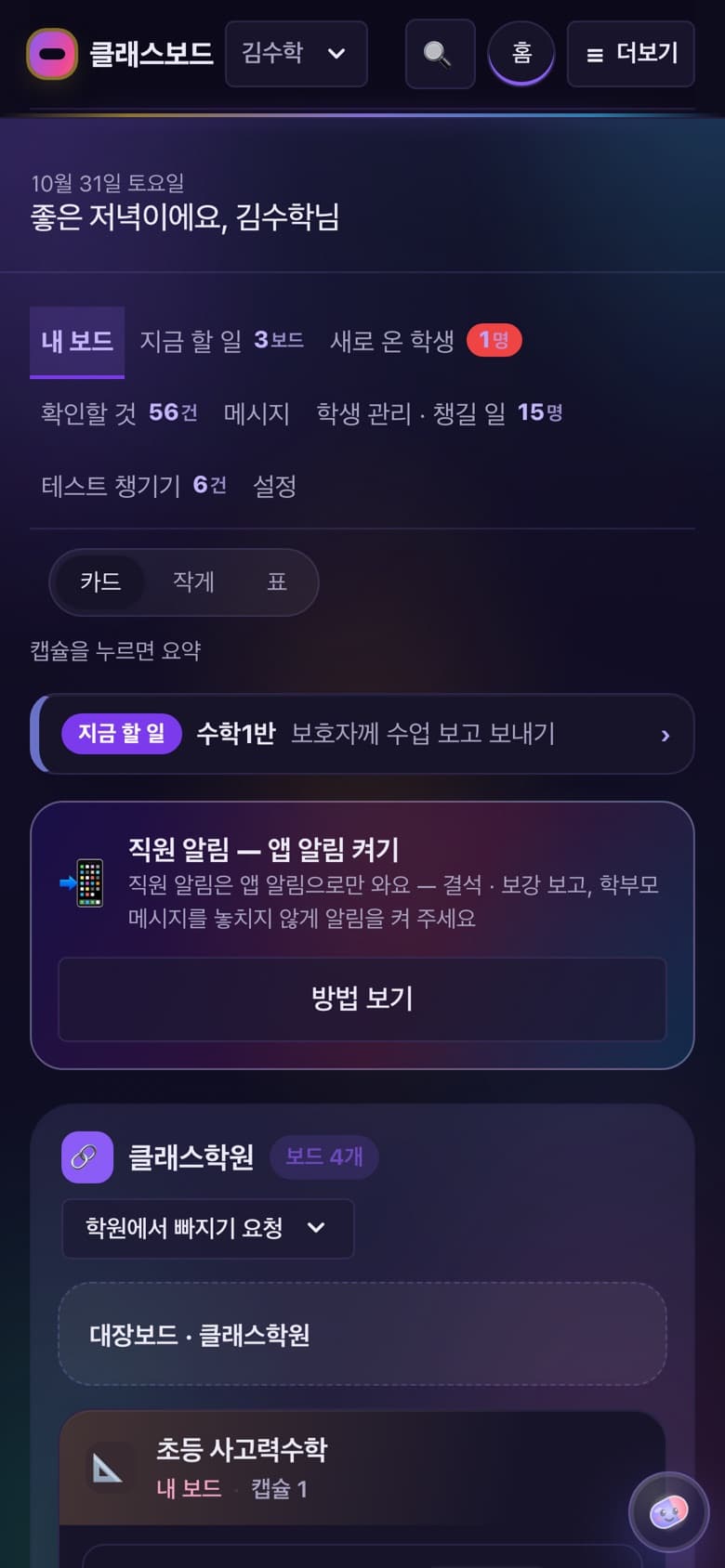
My home
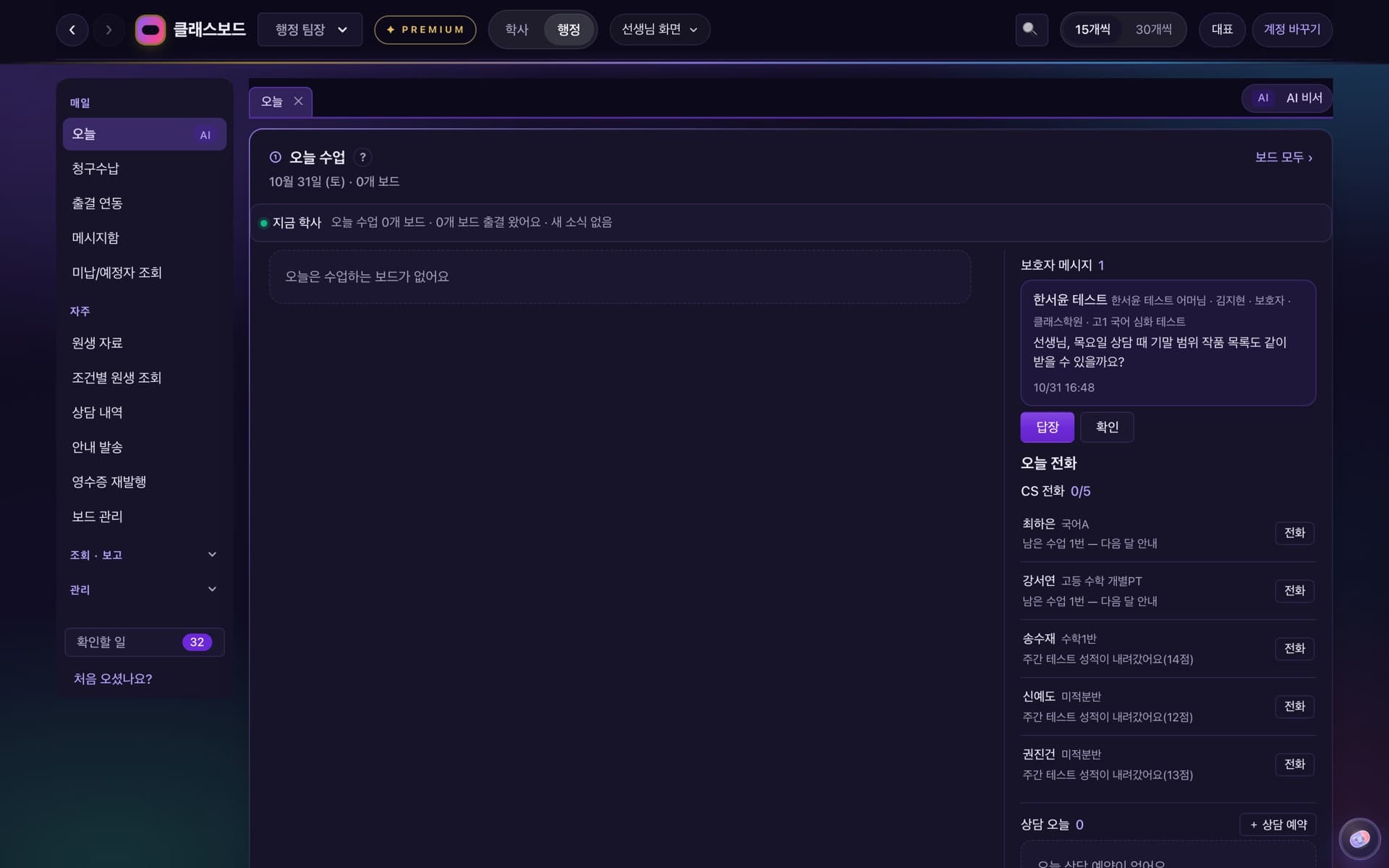
Your classes as cards.Classes still missing today's attendance, new students and office results show up as to-dos.
- 2
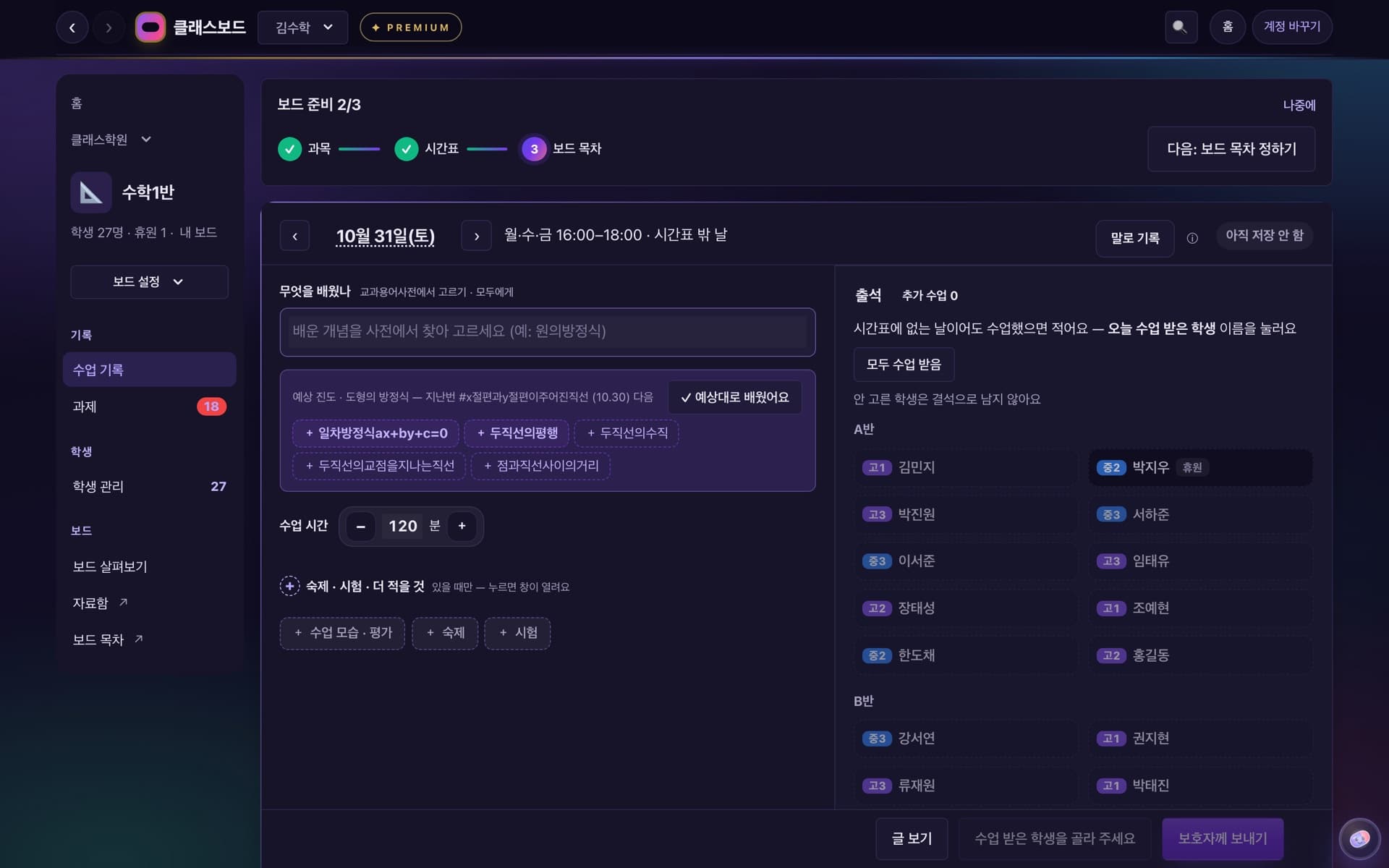
After class
Lesson log
Pick what was learned from curriculum terms and tap only absent, late or left early.It shows 「Saved ✓」 as you type — there's no save button.
- 3
When something comes up
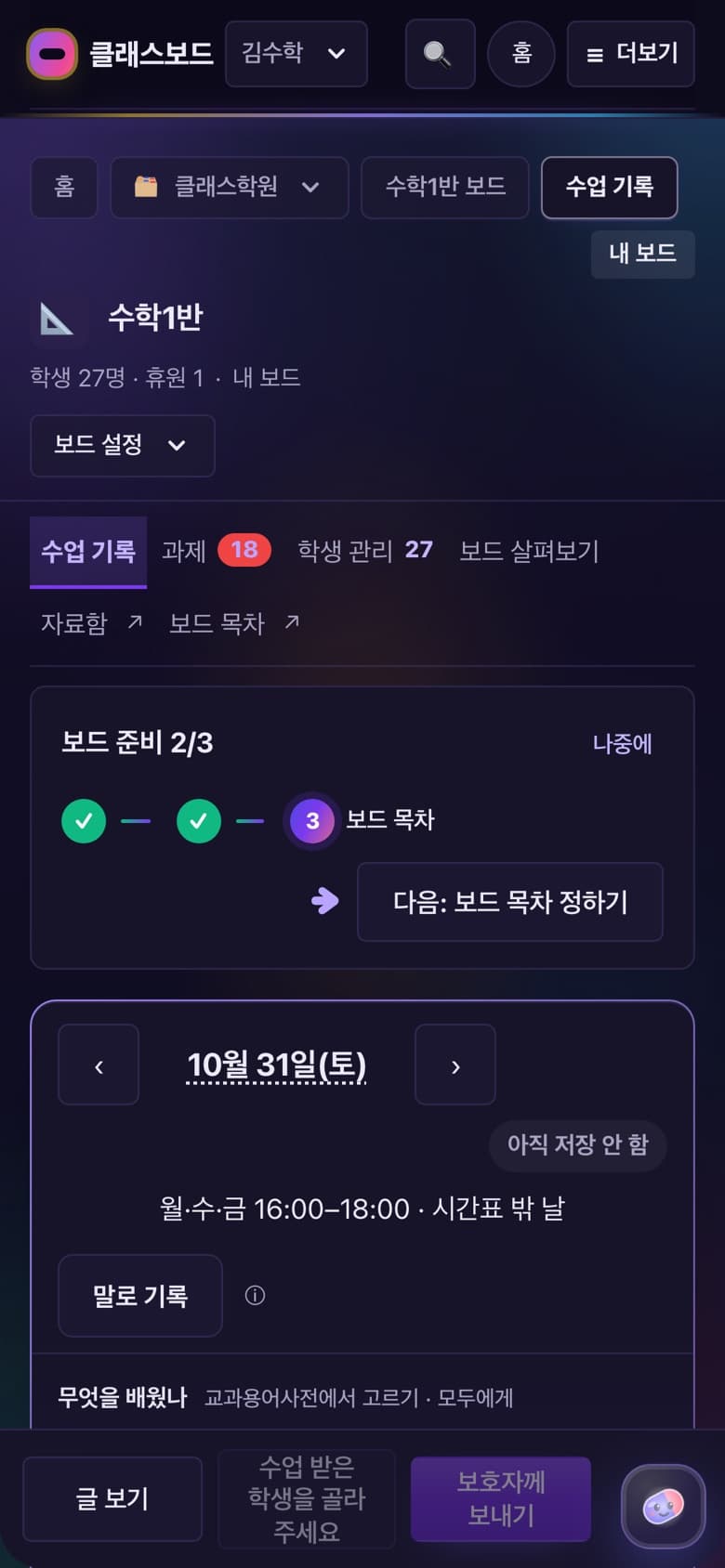
Tell the office
For leave, withdrawal or a class move, tap the student and send a request.When the office handles it, 「Done」 appears on your home.
FEATURES
On the teacher screen
Curriculum term autocomplete
Records use the standard terms of the curriculum glossary, so anyone's notes read in the same words.
Homework and scores
Test ranges are curriculum units.Enter the whole class's scores at once.
Counseling notes
Counseling, special notes and 「next step + check date」.
Learning reports
1 week, 2 weeks, 1 month — add your check and summary and send to parents.
Flexible (PT) classes
Record only the students who came.When one session is left, the office is told on its own.
Ask
Ask in plain words, like 「How do I move a class?」, and it takes you to that screen.
AI summary and lesson notes
PremiumAI only suggests; the teacher decides.
Teacher
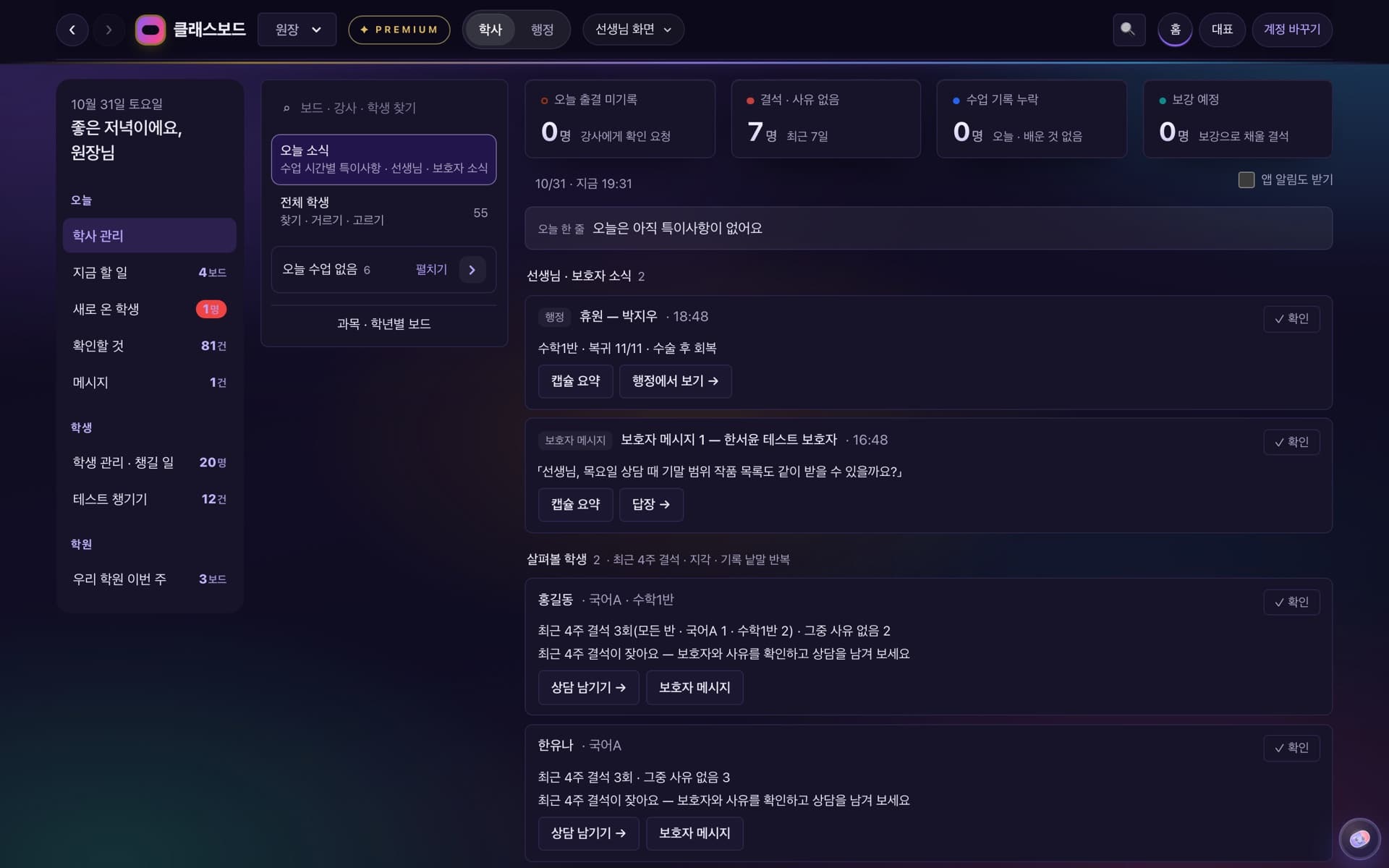
If you're the director
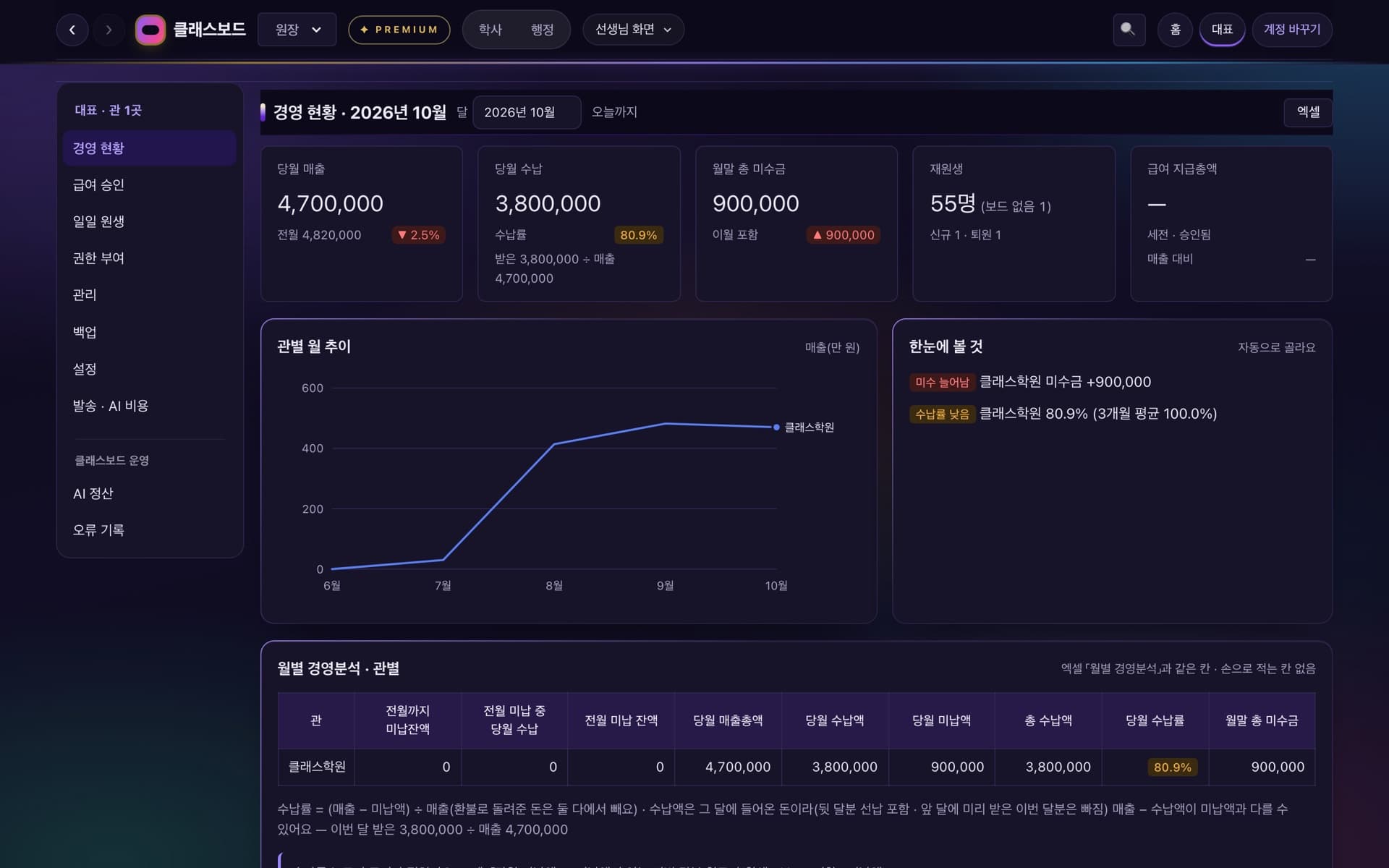
You use your own boards as a teacher, and only view the branch's other boards and academics.In 「Today's news」 on the academics screen, send [Request attendance check] to classes missing attendance.Money never appears on the academics screen.
Write once, it flows on
- 1
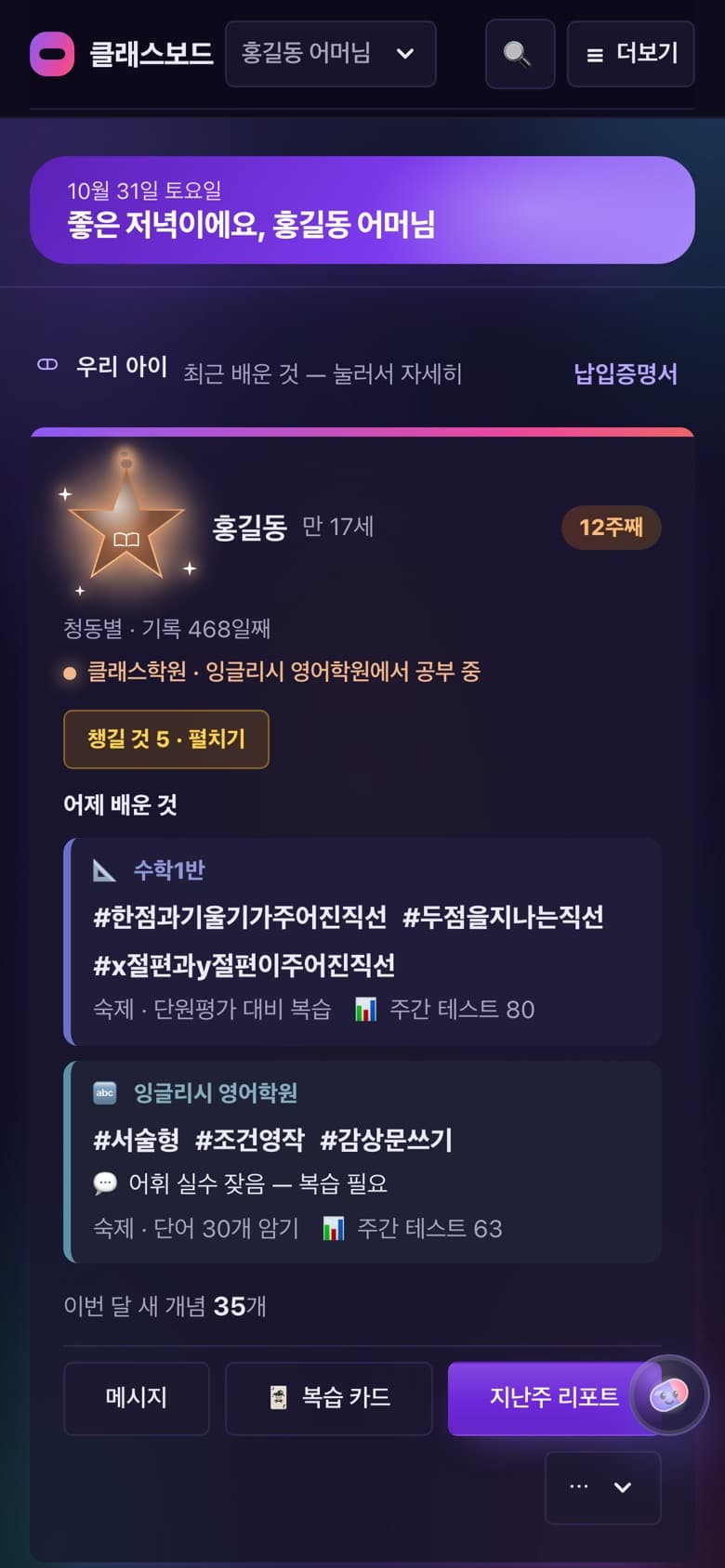
What was learned, attendance and homework → build up in the student's capsule and become diagnosis, next steps and parent reports.
- 2
Absences → go to the office for pass extensions or make-ups.
- 3
Attendance → becomes the actual session count for teacher pay.
See other screens
ClassBoard,
for your hagwon too.
Leave your details and we'll be in touch.
Contact us